


The pipeline
A lamp for every stage
- Prompt
- Think
- Tools
- Write
- Test
- Commit
- Build
- Flight
- Preview
- Done
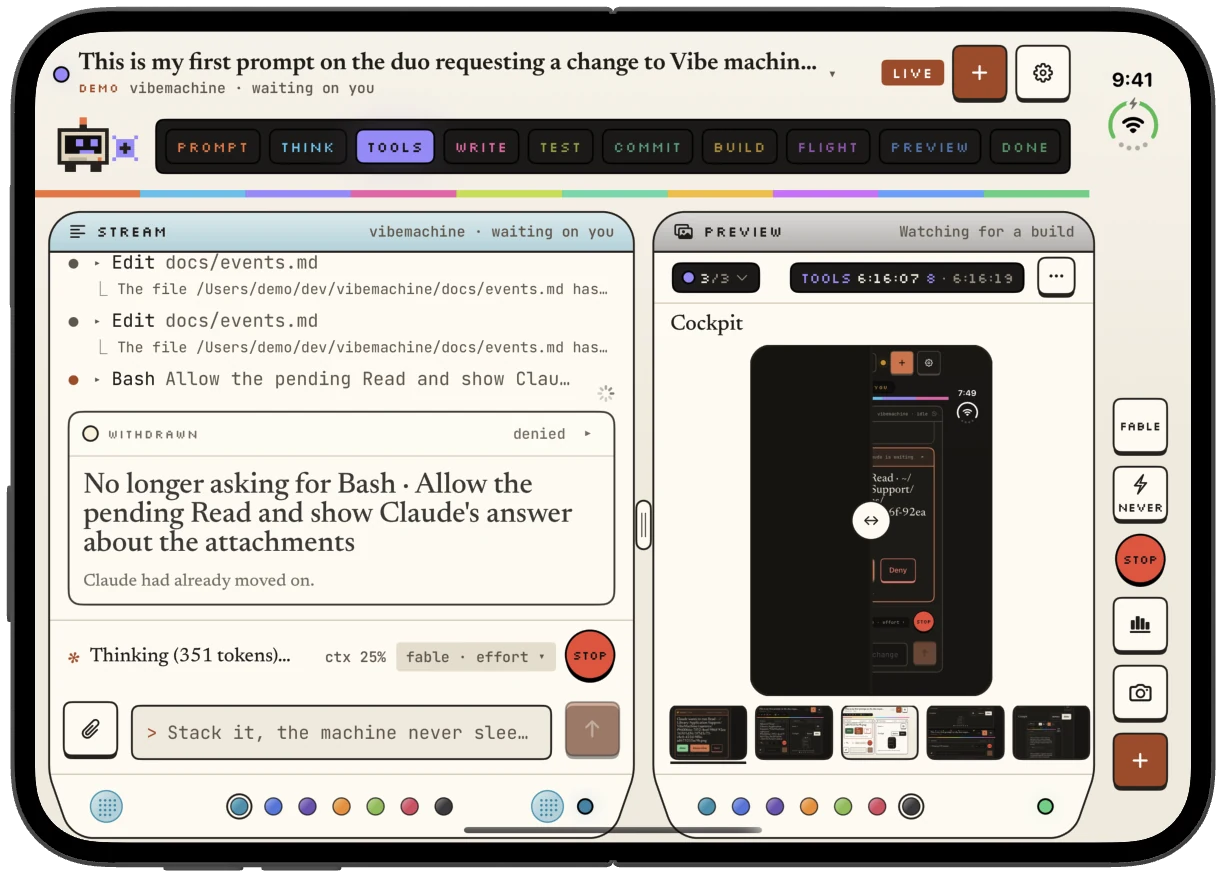
Prompt, thinking, tools, writing, testing, commit, build, flight (the upload to TestFlight), preview, done.
Coming soonVibe Machine is on its way to the App Store.Get notified
Coming soon · For the iPhone Duo
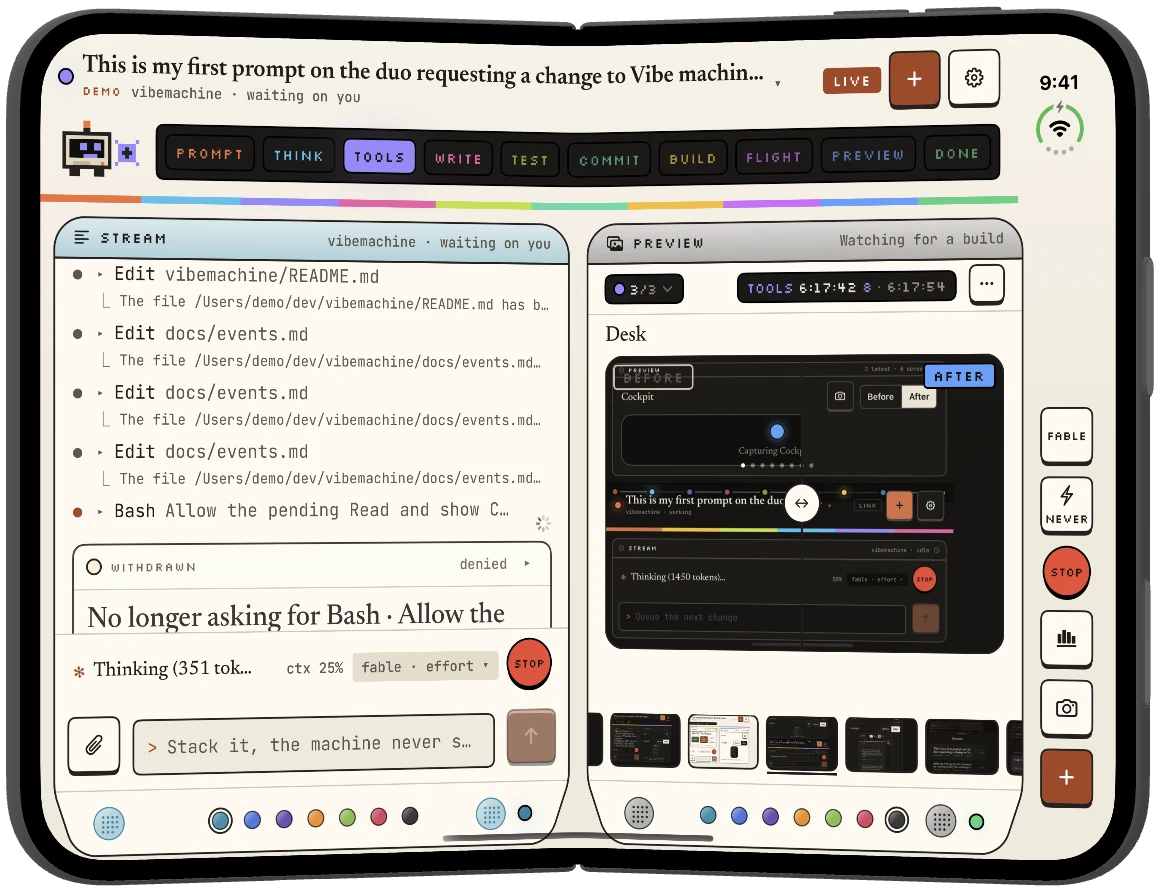
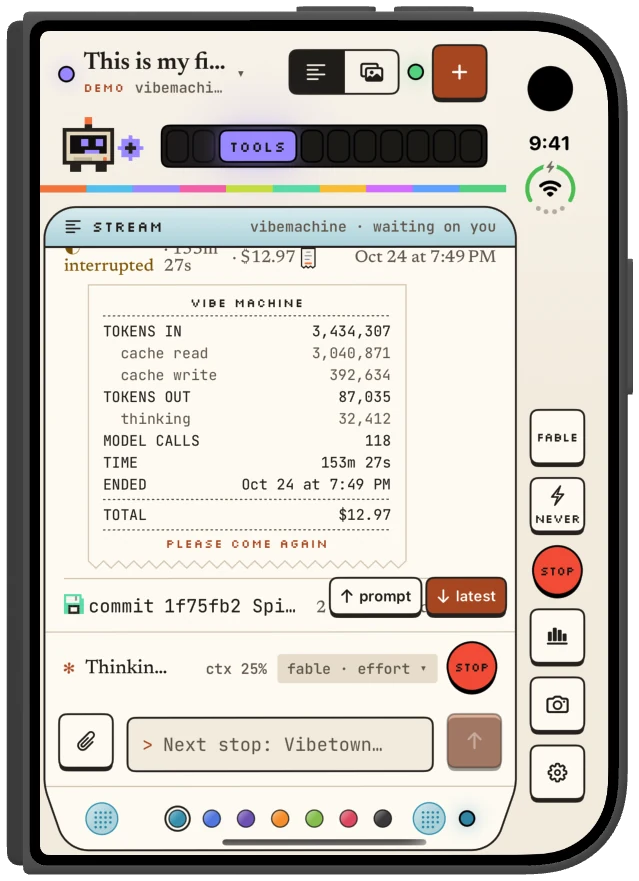
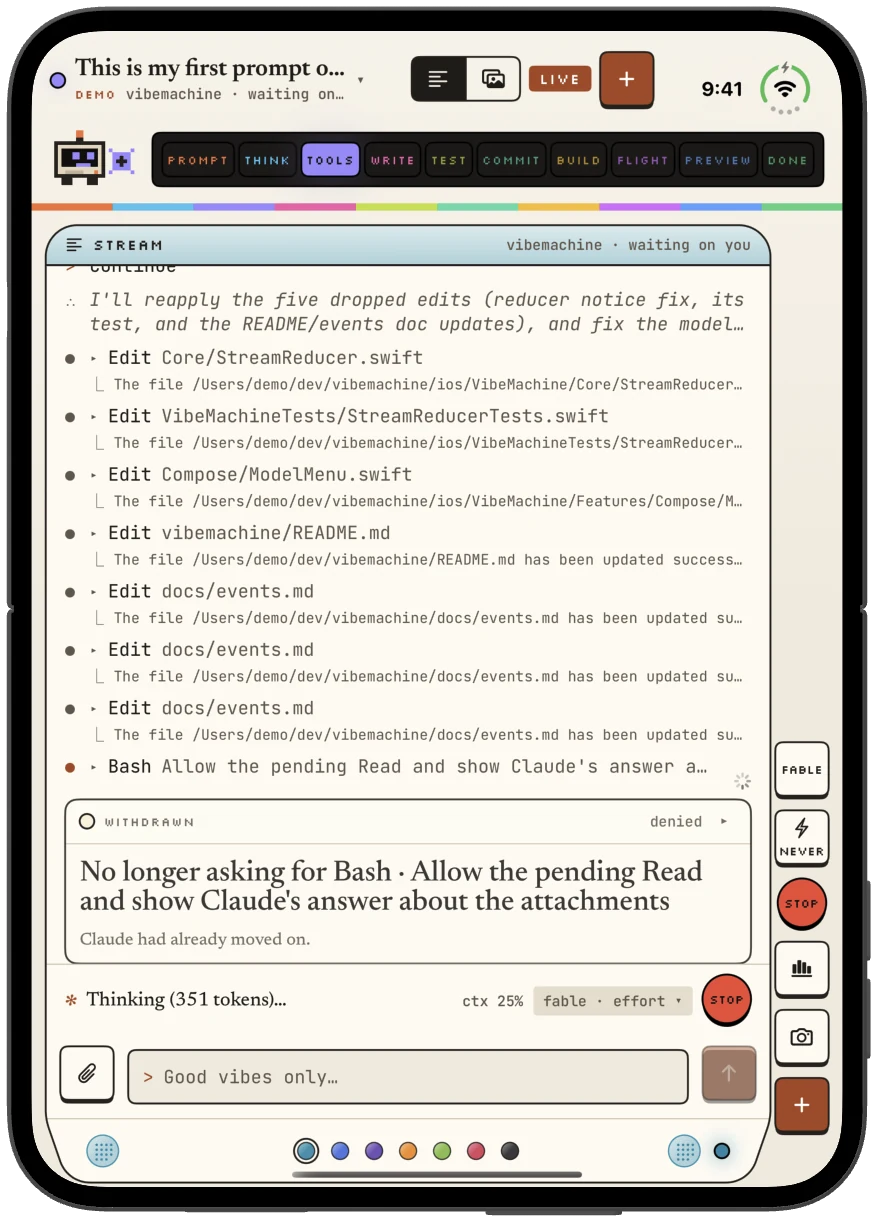
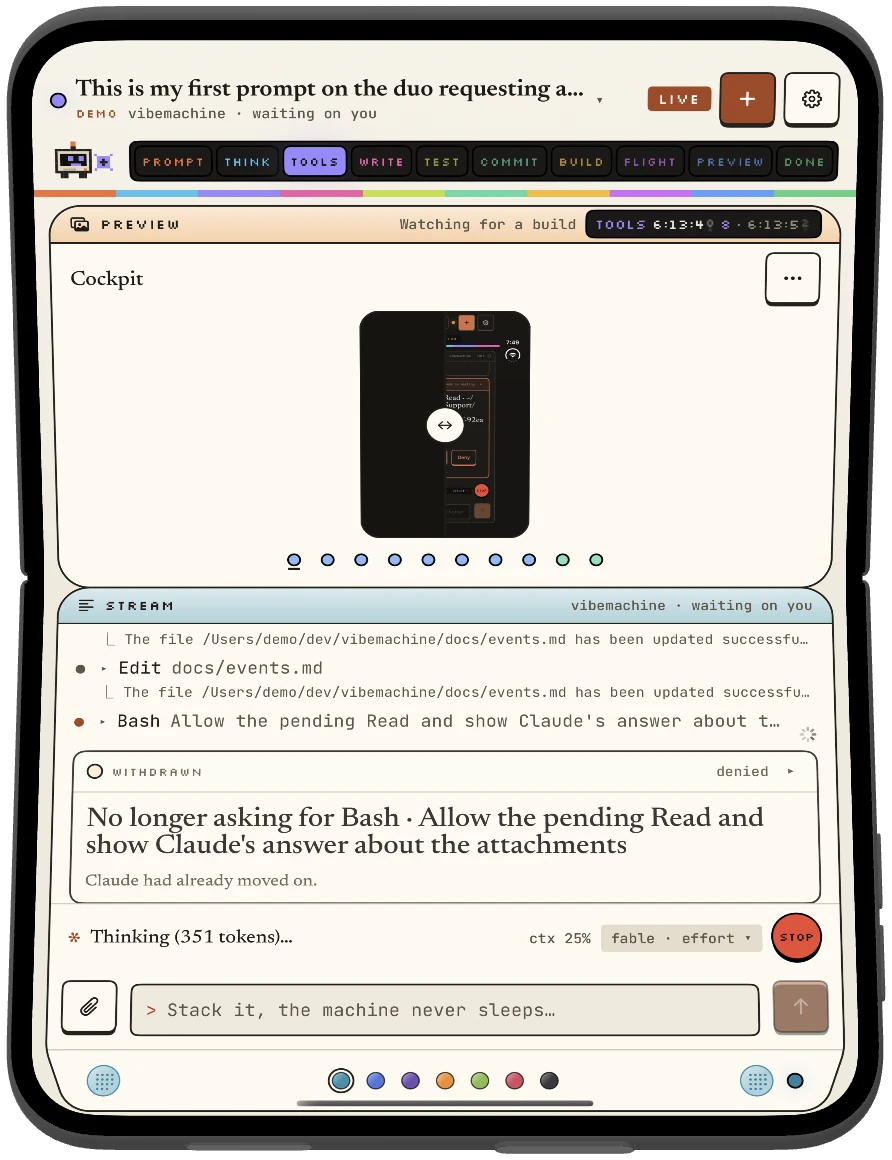
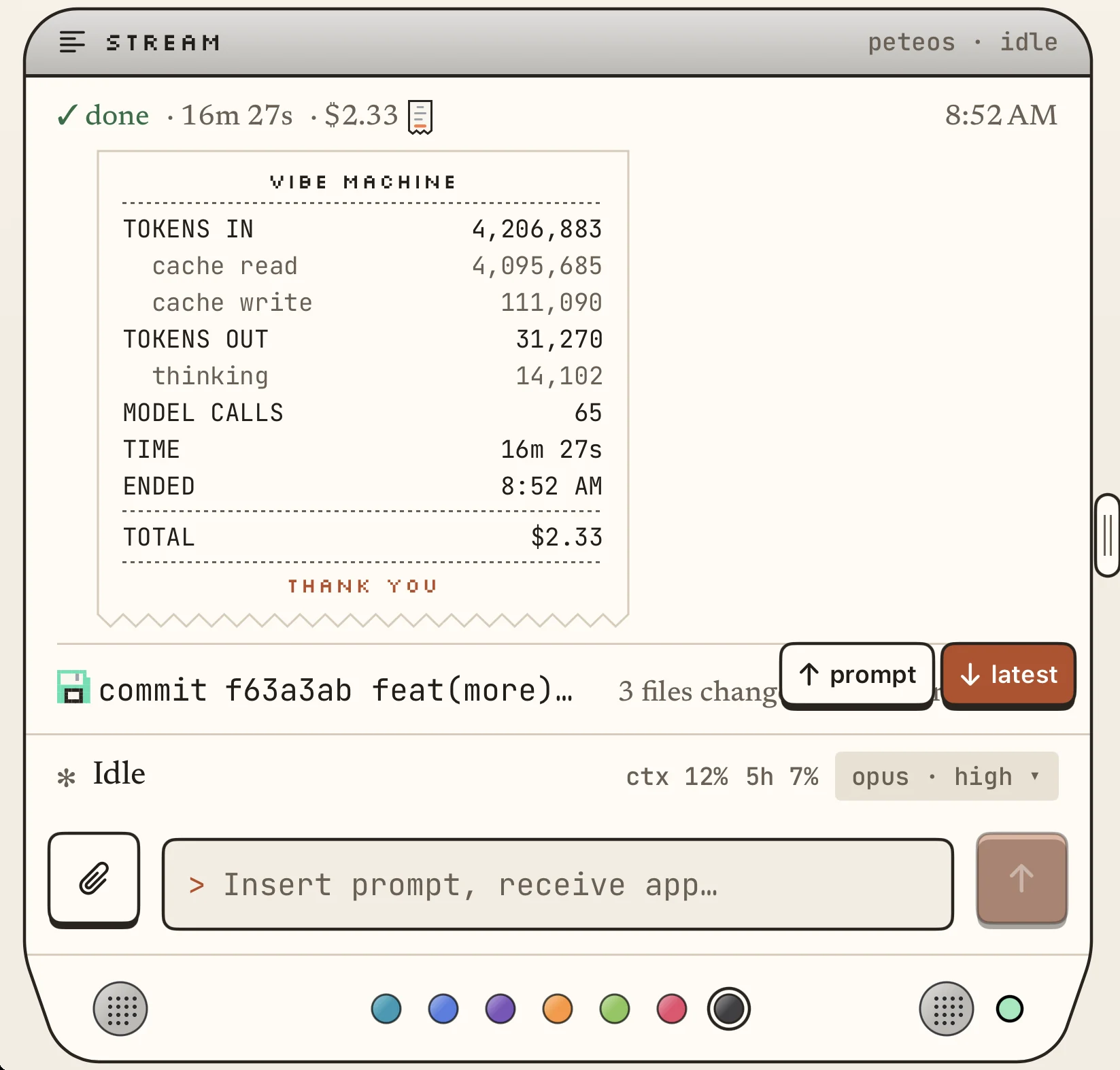
Two screens, six ways to hold it: The iPhone Duo is arguably the number one device to be developing apps for right now. Vibe Machine puts the coding agent on your Mac in your hand, but gives it an interface that is chock full of fun, insights, and vibes.
It works with Claude Code. You run Claude Code on your own Mac with your own account. Vibe Machine shows you every turn as it happens, lighting up each stage of the work and acting it out in a colorful pixel art interpretation.
The cockpit is divided into two primary sections: stream and preview. The stream is the text-based, terminal-style interface that Claude Code uses, but with some extra touches of magic. Read through the thought processes, tools and actions Claude takes in real time. The preview window shows real screenshots that Claude captures before, during and after a turn. It shows what Claude looks at and highlights the changes from before and after the turn. Tap on any screenshot to show its caption, which often reveals what Claude’s intentions are.
For those who are curious about what Claude is actually doing when you prompt it, Vibe Machine gives you an entertaining way to learn and appreciate each turn, tool call, line of code, and token ever spent. It's also a visual display that is sure to stimulate the senses.
Whether you're a seasoned mobile developer or just started vibe coding, Vibe Machine makes your agentic workflows even more of, well, a vibe. Enter your details to be notified when it's available.
Vibe Machine also needs its free daemon installed separately on your Mac. For full download instructions, check the install page.
Inside the app
Prompt, thinking, tools, writing, testing, commit, build, flight (the upload to TestFlight), preview, done.
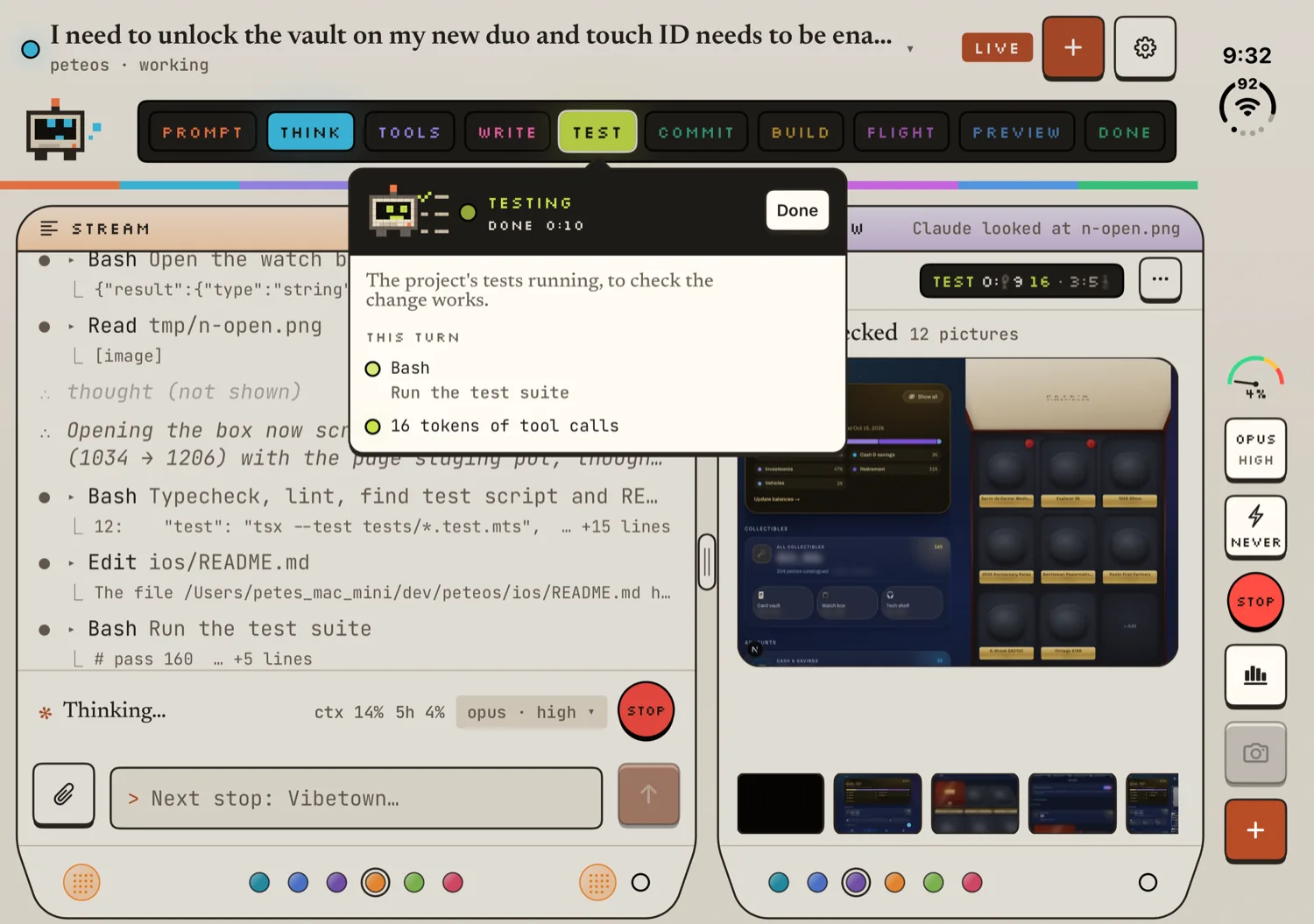
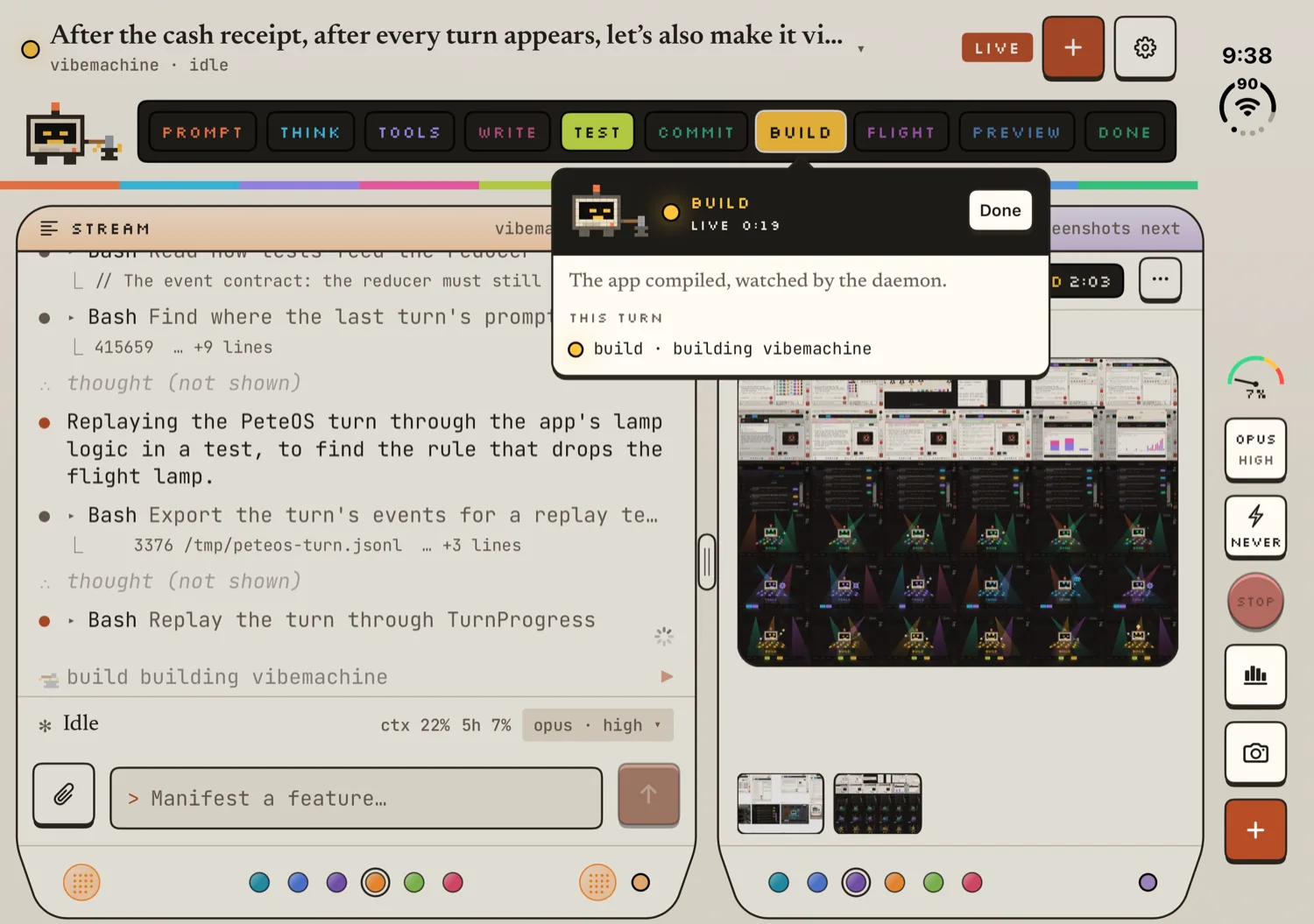
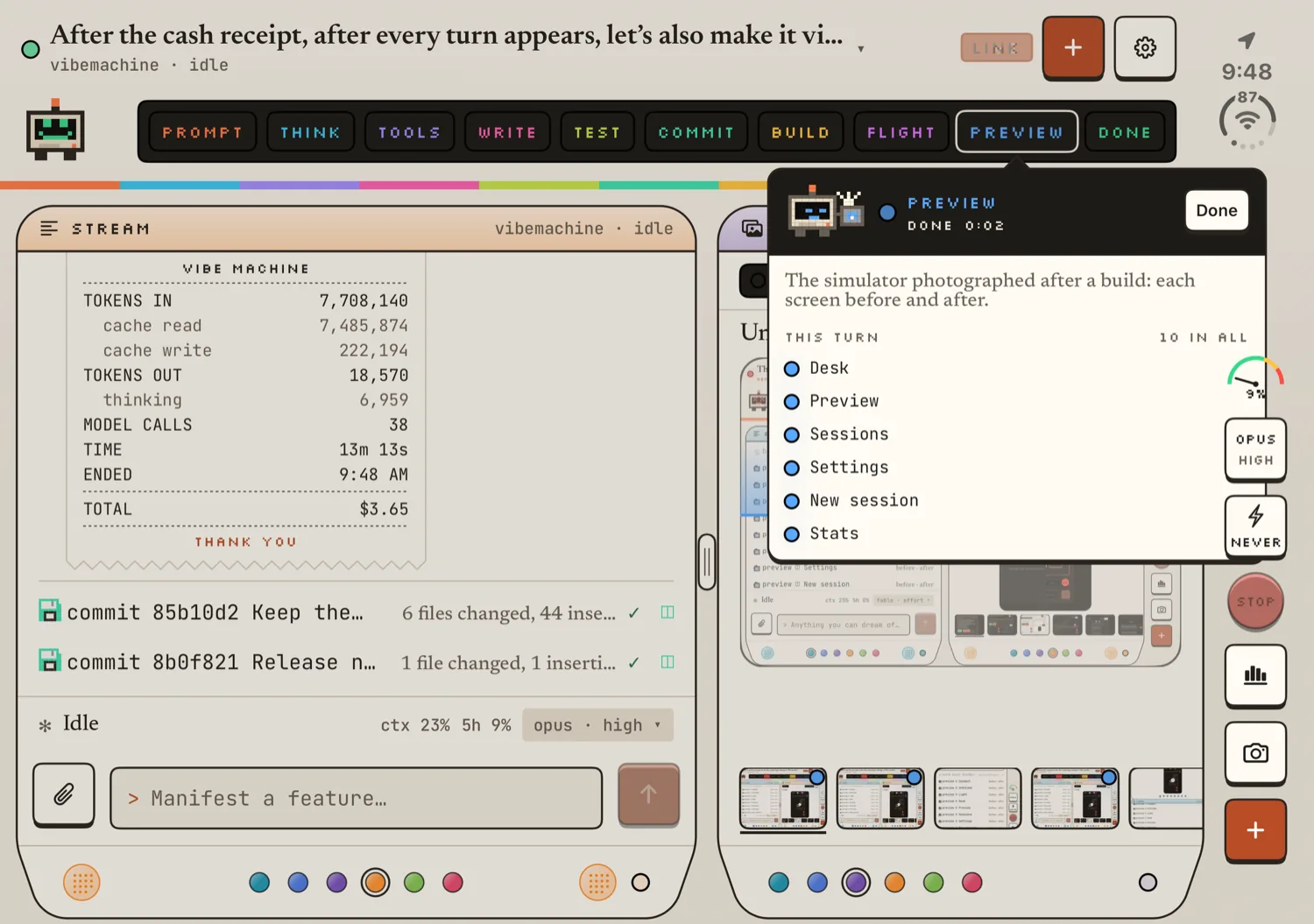
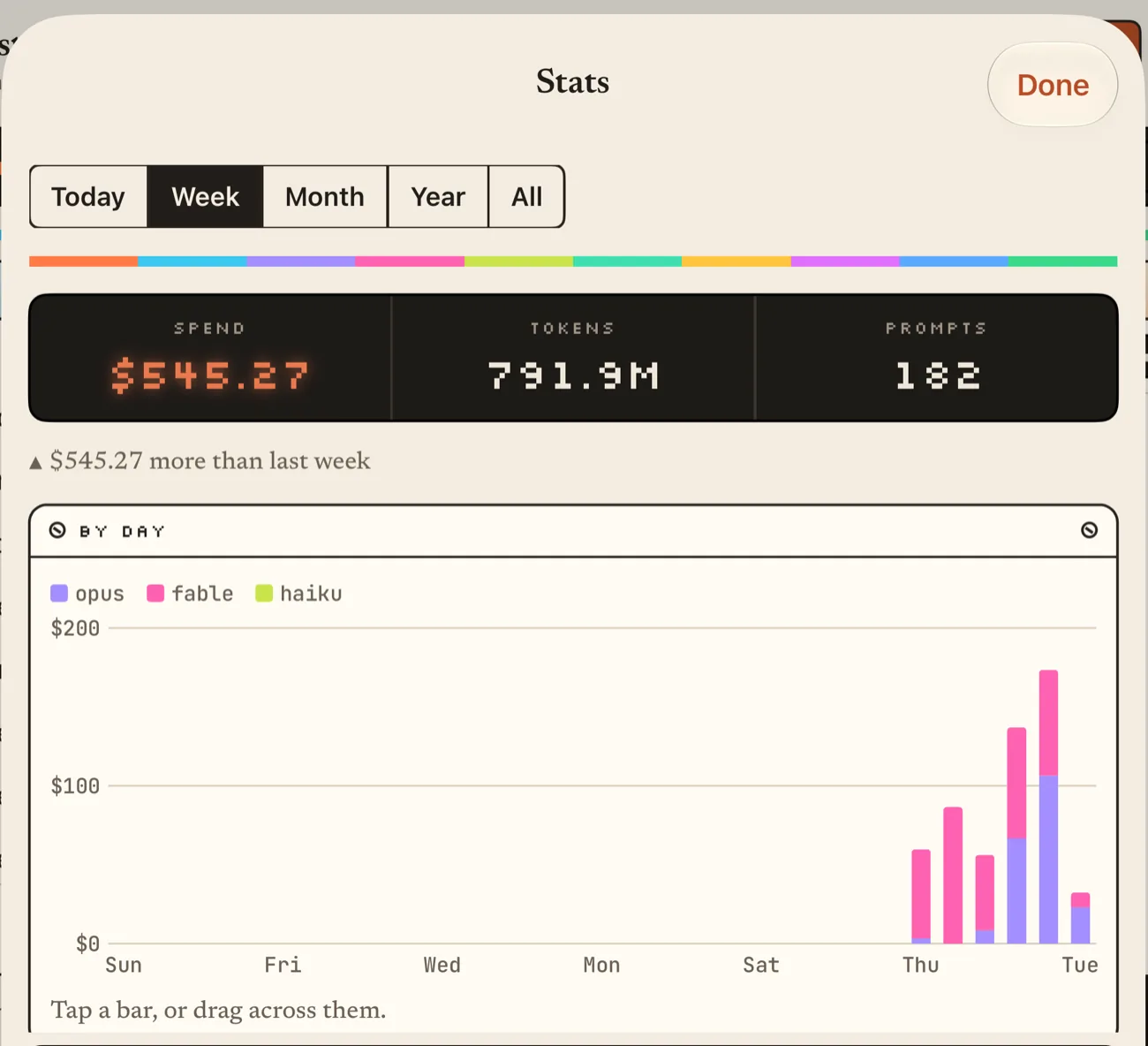
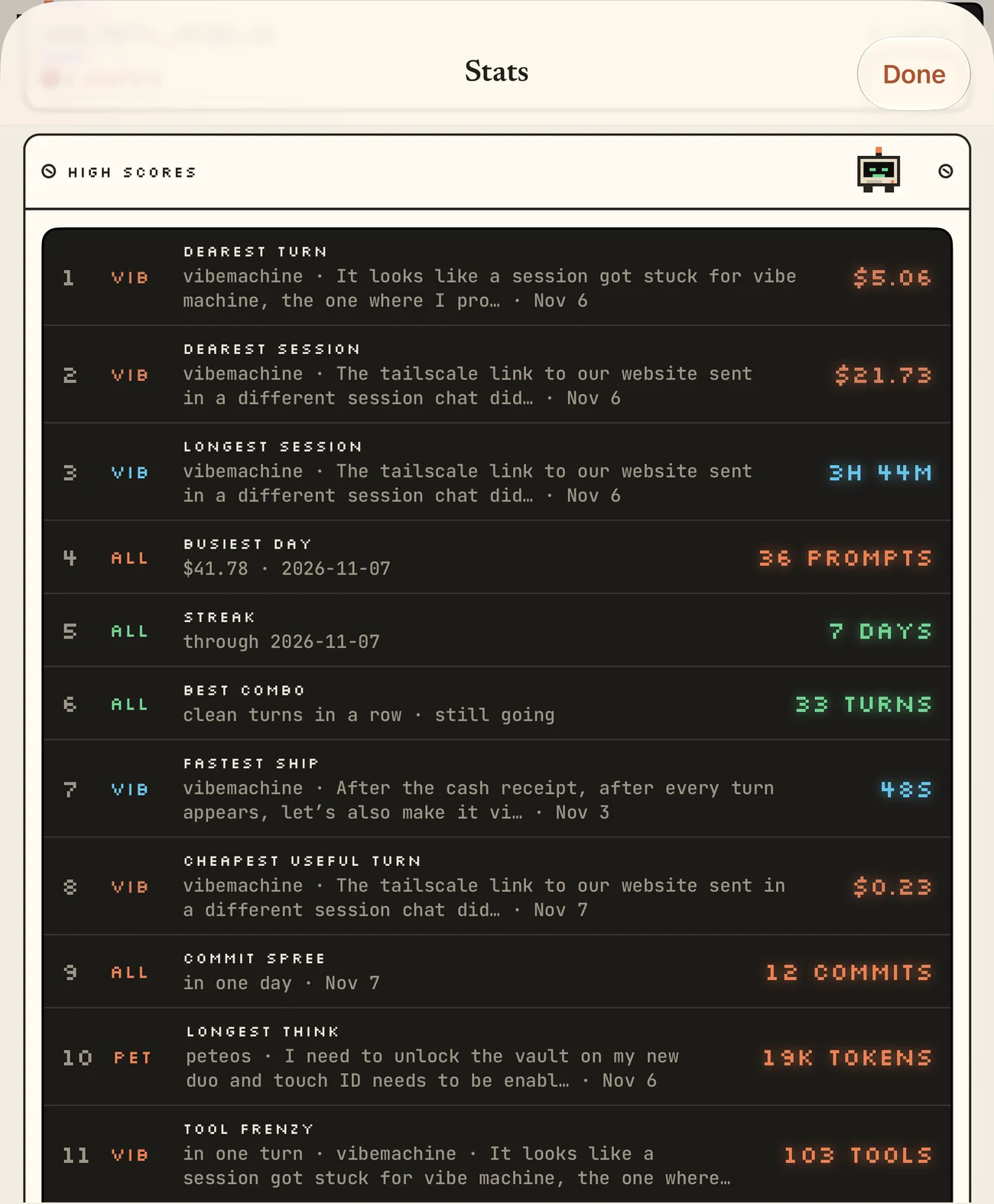
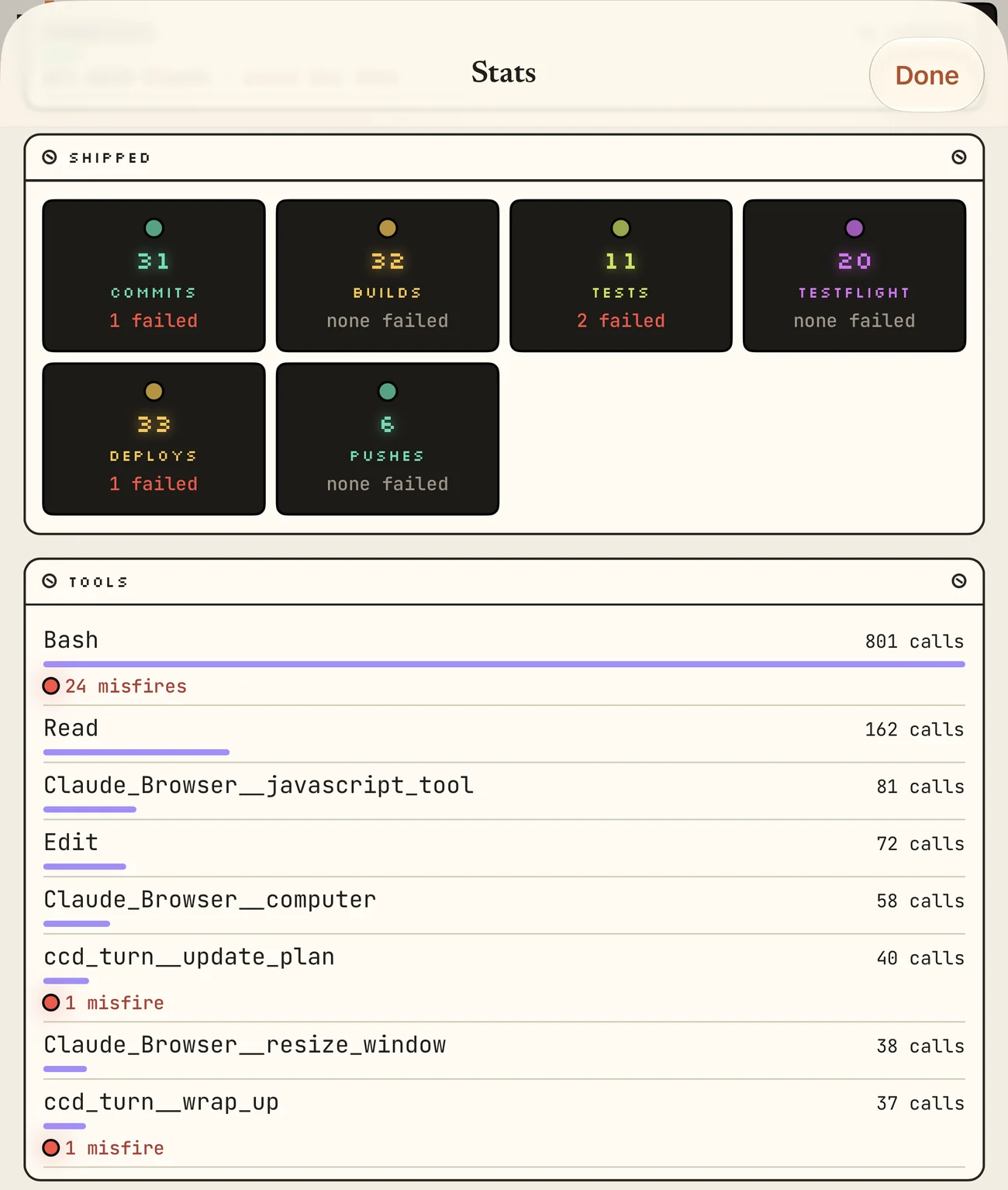
There’s a lot more to discover when using Vibe Machine to vibe code. Give it a try when it releases. Sign up to be notified.